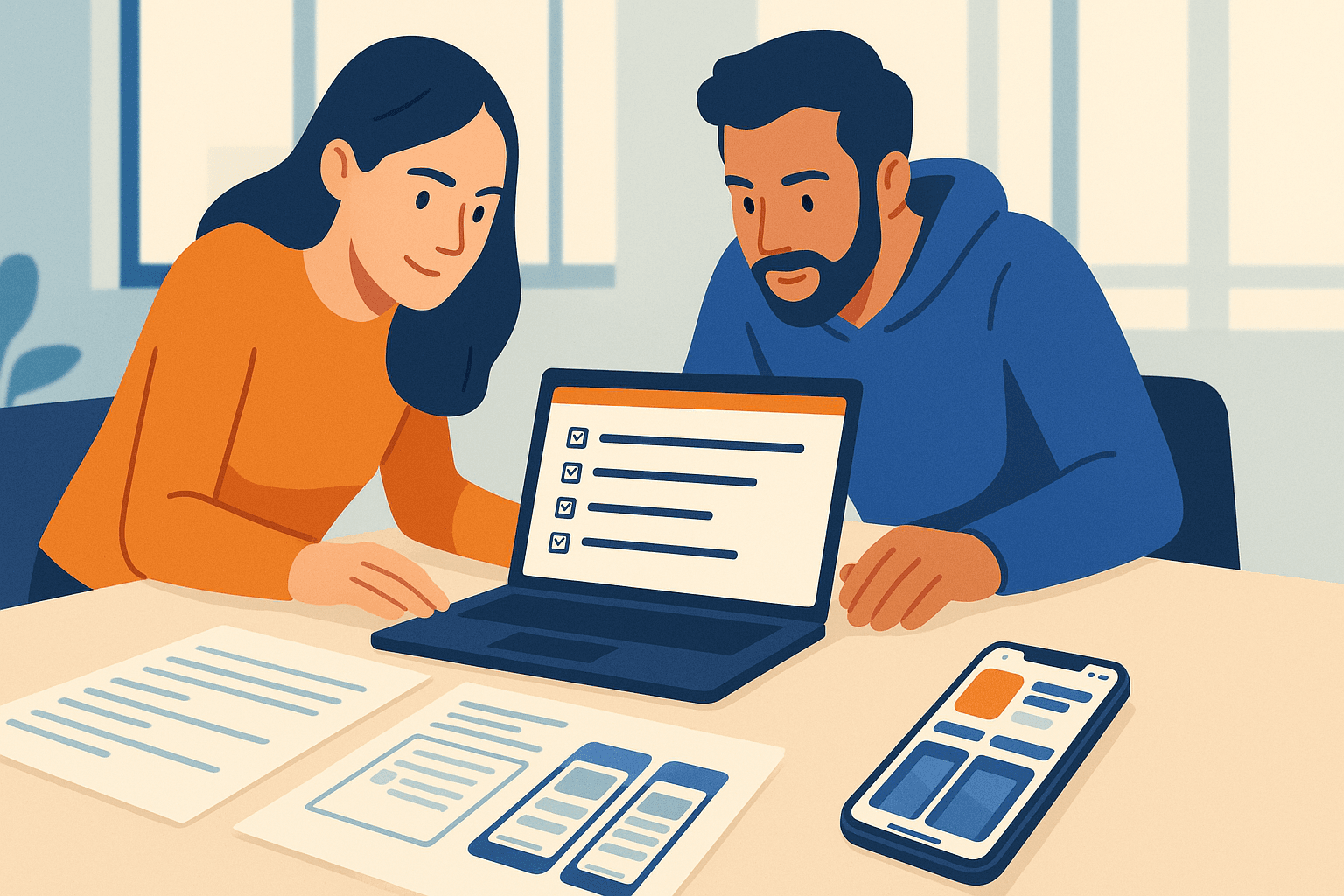
App Store Compliance: A Practical Guide to Passing Review
Master app store compliance with a step-by-step checklist for Apple and Google reviews, top rejection reasons, and metadata fixes that pass first time.
By Shoham Lachkar · Published
Introduction
App store compliance is non negotiable. You can have great UX and product-market fit, but a single metadata or permission mistake will stop your launch or trigger rejection cycles that cost weeks. This guide gives you a clear checklist, concrete examples, and an operational framework so your app passes Apple and Google reviews the first time.
App store compliance: top rejection reasons and examples
Focus on the reasons that repeatedly cause rejections. I list the common failure modes, show examples that trip reviewers, and give direct fixes you can apply in minutes.
1. Misleading metadata or claims
What reviewers flag: titles, subtitles, and descriptions that promise features you do not ship, or use trending keywords that misrepresent functionality.
Example that fails: Title: "FitTrack - Lose 10 lbs in 2 Weeks". This implies guaranteed weight loss and a health claim.
Fix: Title: "FitTrack - Workout and Nutrition Plans". Move claims to marketing pages backed by evidence, not the store listing.
2. Unapproved use of trademarks or copyrighted content
What reviewers flag: trademarked names in your title or keywords, or screenshots containing third-party logos.
Example that fails: Keywords include "Spotify", screenshots show the Netflix logo.
Fix: Remove trademarks from title and keywords. Use generic descriptions like "music streaming" and get written permission for any partner logos.
3. Sensitive permissions without clear purpose
What reviewers flag: apps that request location, camera, microphone, contacts, or Health data without a clear, inline explanation tied to the app flow.
Example that fails: App requests microphone on first open with no UI explaining why.
Fix: Delay permission prompts until the user triggers the relevant feature. Provide a short screen that explains the exact use case and shows the system prompt context.
4. Incomplete or incorrect privacy and data disclosures
What reviewers flag: missing privacy policy URL, inaccurate data use descriptions, or mismatches between app behavior and the privacy label.
Example that fails: App collects analytics and shares user IDs but declares "No data collected" in the Play Console.
Fix: Audit every network call, declare data collection accurately, link to a compliant privacy policy, and populate Apple privacy labels correctly.
5. Broken or low quality in-app experience
What reviewers flag: crashes, placeholder content, non functional purchase flows, or server-down errors during review.
Example that fails: Reviewer opens the app and hits a crash on onboarding.
Fix: Run a targeted pre-submit test matrix on TestFlight and internal tracks. Include fallback content for offline reviewers.
6. Restricted content or policy violations
What reviewers flag: sexual content, gambling, hate speech, illegal goods, or unapproved medical claims.
Example that fails: App promotes unlicensed prescription advice.
Fix: Remove or qualify restricted content, add required licenses, or change targeting to informational content that does not make clinical claims.
7. Incorrect monetization or purchase flows
What reviewers flag: external purchase links bypassing in-app purchases, unclear subscription terms, or lack of restore functionality.
Example that fails: A button sends users to a web checkout for premium content without using in-app purchases on iOS.
Fix: Implement Apple in-app purchases for digital goods in iOS, include clear subscription terms and a visible restore purchases option.
8. Local law and age-rating issues
What reviewers flag: apps available in countries where the service requires local permits or has age restrictions.
Example that fails: A betting app published in a country where online betting is restricted without the proper license.
Fix: Restrict availability by country until you obtain required approvals, and apply correct age ratings in both stores.
Preparing metadata that passes review: a tactical checklist
Follow this checklist before you hit Submit to reduce rejection cycles by 70 percent on common issues.
- Title and subtitle
- Keep the title short and brand focused. No third-party trademarks unless you have permission.
- Avoid marketing superlatives that imply guarantees or illegal activity.
- Description and keywords
- Use feature-first language. Avoid medical, legal, or financial claims unless you can cite sources and include credentials.
- For Apple, put critical keywords in the subtitle and first sentence. For Google, write a clear short description plus a longer description. Both stores prioritize first-line clarity.
- Screenshots and preview videos
- Do not show other brands, copyrighted media, or promotional text that violates store rules.
- Provide localized screenshots and ensure the UI shown matches the binary reviewers will test.
- Permissions and privacy
- Document every permission, why it is needed, and where the user sees that prompt.
- Add a working privacy policy URL and verify it loads for reviewers.
- In-app purchases and subscription metadata
- Match product IDs in the store to the app UI. Include clear billing terms and a visible restore option.
- Contact and support
- Provide a valid support URL and contact email. Reviewers will test support flows for apps that claim customer service.
- Build version and release notes
- Use release notes to explain test account credentials or special reviewer instructions if the app requires login.
- Localization
- Localize title, description, screenshots, and privacy policy to key languages you publish in. Reviewers evaluate the localized variant for each territory.
Platform differences - Apple App Review Guidelines vs Google Play Developer Policies
Both platforms aim to protect users, but the enforcement and focus differ. You need a distinct checklist for each.
Apple-specific focus
- Strict rules on metadata accuracy, trademark use, and health claims. Apple enforces presentation and user experience tightly.
- Reviewers test the app on device more thoroughly. If an app crashes or requires credentials, include demo accounts in the notes.
- Privacy labels are mandatory. Complete the "Data Used" fields accurately or submission will be delayed.
Action items for Apple
- Provide demo credentials in the App Review notes when login is required.
- Avoid using the term "free" in the title if your app contains in-app purchases that charge users.
- Complete App Store Connect privacy forms and the Age Rating questionnaire precisely.
Google-specific focus
- Google focuses on content policy, ads behavior, and data sharing. Google Play enforces ad disclosure and SDK behavior more aggressively.
- Google requires declarations for sensitive permissions and background location use, and often demands justifications in the Play Console.
Action items for Google Play
- Declare all SDKs and data sharing in the Play Console policy section.
- Ensure ads comply with the Ads policy and do not lead to deceptive downloads.
- Use the testing track to validate Play Integrity checks and licensing where relevant.
A repeatable compliance framework: C.L.E.A.R
Use a simple operational framework to bake compliance into your release process. Each sprint use C.L.E.A.R to sign off before submission.
C - Content and claims
- Verify all marketing and in-app copy against policy. Remove medical, legal, and financial promises unless validated.
L - Legal and privacy
- Confirm privacy policy, permissions justifications, and data mapping. Update privacy labels and Play Console declarations.
E - Experience and errors
- Run a crash and flow test. Test onboarding, payment, and permission prompts on the devices reviewers will use.
A - Assets and metadata
- Validate screenshots, icons, and preview videos. Ensure no third-party IP and that visuals match the submitted build.
R - Reporting and rollback plan
- Prepare reviewer notes, demo credentials, and a rollback plan in case the release is rejected. Include an expedited fix path with tagged build numbers.
Practical example of C.L.E.A.R in a release
- Two days before release, copywriter runs Content check. QA runs Experience testing on 5 hardware profiles. Legal confirms privacy policy and Play Console declarations. Marketing signs off on localized assets. Release manager prepares reviewer notes and a hotfix build with minor changes documented.
Testing, monitoring, and recovery
You will still hit issues. Plan for fast detection and recovery.
- Use internal and closed tracks for 3 to 7 days of hands-on review by QA and beta users. Test every permission prompt and purchase flow.
- Capture review session videos. If the reviewer hits a crash, you need a repro video to diagnose quickly.
- Prepare a short reviewer note that explains any nonstandard flow, and include credentials. Example note: "Use demo@example.com / Test1234 to access the premium features. Enable location when prompted to use trip tracking."
- If rejected, read the rejection note carefully. Apple will often cite guideline sections. Fix the smallest change that resolves the issue, document it, and resubmit.
- For Google, use the Policy Status in the Play Console to see which APK or AAB version triggered the issue. You can roll out to a smaller percentage after fix verification.
Tools and signals that speed compliance
Automate what you can. These tool types reduce manual errors and catch policy mismatches earlier.
- Static scanning for SDKs and permissions. Use toolchains that list embedded SDKs, network endpoints, and permission requests.
- Metadata linting. Run a checklist that looks for trademarks, banned words, and unsupported claims in title and subtitle.
- Crash and coverage analytics. Prioritize devices the stores use most during review if that data is available.
Learn more about automated ASO checks in our ASO Tools guide at /aso-guide/aso-tools and how metadata impacts visibility in Learn about ASO at /aso-guide/learn-about-aso. For creative assets and store visual best practices see Creative Optimization at /aso-guide/creative-optimization.
Closing: adopt a compliance-first release rhythm
Make app store compliance part of your release rhythm, not an afterthought. Use the C.L.E.A.R framework, run the pre-submit checklist, and maintain a short reviewer note with demo credentials. That approach reduces rejections, shortens review cycles, and improves launch velocity.
If you want a practical, no-fluff pass/fail audit, run Appeak Pro's free audit at /#audit. The audit highlights the exact metadata lines and permission flows that will cause rejections and gives a prioritized fix list. Ready to operationalize compliance across releases? Create an account at /signup and get a compliance template you can reuse every sprint.
Frequently asked questions
How long does an app store review usually take?
Apple reviews typically complete within 24 to 48 hours for most apps, though complex apps or new accounts can take longer. Google Play reviews often finish within a few hours to a couple of days. Always account for extra time if your app uses sensitive permissions or requires legal verification.
What is the fastest way to fix a rejection?
Read the rejection note, reproduce the issue on the same flow, and make the smallest targeted change that addresses the violation. Provide a short reviewer note and demo credentials if the change affects access. Resubmit the corrected build rather than rewriting large parts of the app.
Do I need separate metadata for Apple and Google?
Yes. Apple emphasizes subtitle and first-sentence clarity and requires privacy labels. Google requires Play Console declarations for data use and SDKs and favors a short description plus long description strategy. Localize both stores for key markets.
When should I include demo credentials for reviewers?
Include demo credentials whenever your app requires login, has gated content, or relies on backend services that reviewers cannot access. Put credentials in the App Review notes for Apple and in the Play Console test instructions for Google.
Side by side
Manual compliance review vs Appeak Pro
Pre-submit compliance checks are a checklist nobody enjoys running, and a single missed item costs you a week of review turnaround. Appeak Pro pre-validates every metadata draft against current Apple + Play guidelines.
Manual pre-submit checklist
- Cost
- PM + engineer time
- Effort
- Hours per release
- Result
- Risk of missed rules → rejection → 3-7 day re-review
Submission consultant
- Cost
- $1,500-$5,000 per submission
- Effort
- Days
- Result
- Specialised review, but per-submission cost
Appeak Pro
- Cost
- Flat per audit
- Effort
- Built-in
- Result
- Every metadata draft pre-checked against current Apple App Review + Play Developer Policies
Appeak Pro outputs metadata that's already been validated against the guidelines. Fewer rejections, faster ship cycles.