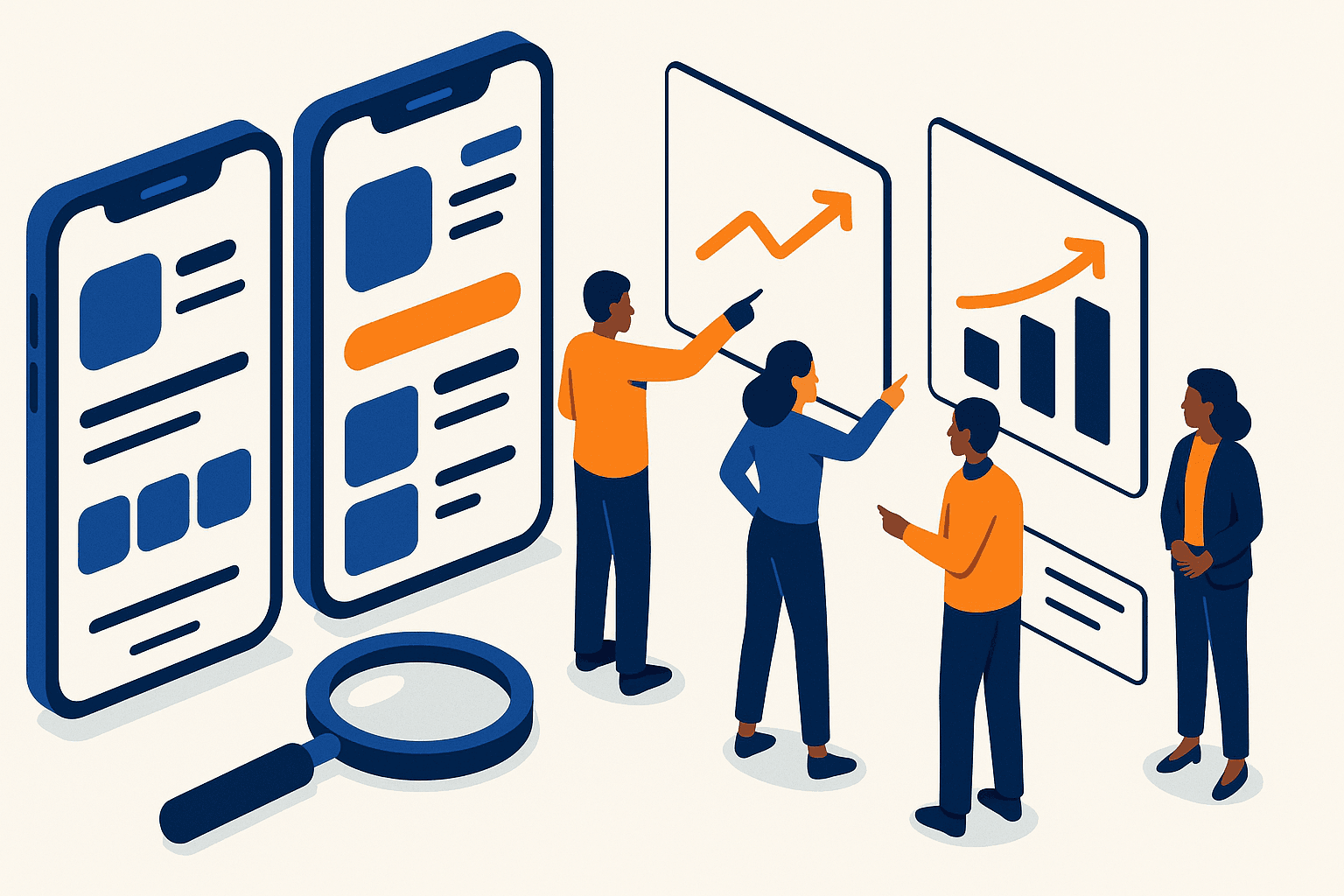
App Store Optimization Basics: Rank Your First App Faster
Learn app store optimization step-by-step: keywords, creatives, metrics, and a practical playbook to rank your first app.
By Shoham Lachkar · Published

Intro
You need app store optimization that actually moves numbers. This guide strips theory and gives a practical playbook, exact metrics to track, and common fixes that produce results in weeks, not months. Read this if you want to rank your first app and build a repeatable ASO process.
What is app store optimization and why it matters
App store optimization is the process of improving an app listing to increase discoverability and conversion inside the app stores. It covers two measurable outcomes: search discovery and conversion of store visitors into installs. Think of it as search engine optimization for app stores, but with conversions and creatives baked into every decision.
Why it matters now
- Organic installs compound. A 20% improvement in conversion from impressions to installs scales automatically with traffic.
- Paid and UA are expensive and inefficient without a high-converting store listing.
- Stores reward relevance. Small keyword wins improve visibility quickly in niche terms.
If you are new to ASO, focus on these two goals: increase impressions from relevant searches, and increase conversion rate from impressions to installs.
How app store ranking works: what you must track
App store ranking is a mix of signals. Stores do not publish exact formulas, but practical signals you can measure are consistent across both Apple App Store and Google Play.
Primary signals you can influence
- Keyword relevance and usage in title, subtitle, short description, and keyword field (where available).
- Conversion rate - installs per impression or per view. Higher conversion drives better ranking for related queries.
- Install velocity - how many installs you get in a time window. Burst installs for a keyword push ranking.
- Retention and engagement - installs that keep users increase an app's long-term authority.
- Ratings and reviews - quality and recency matter for visibility and conversion.
Secondary signals
- Backlinks and external traffic direction - traffic from search and social can lift visibility.
- In-app purchases and revenue - stores often use revenue signals for top charts or featured lists.
Use the OS Algorithm guide (/aso-guide/os-algorithm) to understand how time windows and decay affect ranking. Track these metrics daily for the first 30 days after every change.
A 90-day ASO strategy for beginners - exactly what to do
This is a week-by-week playbook you can run without outside help. It assumes you have a minimum of basic analytics and access to store listing editing.
Principles
- Test one variable at a time. If you change keywords and creatives together you will not know what moved the needle.
- Use measured targets: set baseline, run experiment, compare against baseline with at least 14 days of statistically meaningful data.
- Prioritize high intent keywords first - terms with installs in the top 100 of results pages.
Week 0 - baseline and setup (days 1-3)
- Capture baseline KPIs: impressions, installs, conversion rate, D1 retention, D7 retention, crash rate, rating average. Record values and traffic sources.
- Install a store analytics tool or connect your dashboard. Use an ASO tool from our ASO Tools guide (/aso-guide/aso-tools) for keyword tracking and search volume estimates.
- Identify your top 10 competitor apps for category, feature set, and target keyword sets.
Week 1-2 - keyword research and mapping
- Build a keyword list from three sources: competitor metadata, search suggestion scraping, and user reviews. Aim for 200-400 candidate phrases.
- Score keywords by relevance, search volume, and difficulty. Prioritize the top 30 by expected traffic gain - use a simple score: score = relevance * search volume / difficulty.
- Map 10-15 primary keywords to the title and subtitle/short description fields. Use one or two long-tail phrases for each variant.
Targets and expectations
- Early wins: ranking on page 2 for low difficulty, high intent phrases within 2-4 weeks.
- Sample numbers: aim to move from 0 to 10 weekly installs from a target keyword in the first month for niche terms.
Week 3-4 - store listing copy and creative baseline
- Rewrite title and subtitle focusing on the single most important keyword plus a clear value proposition. Keep the title user friendly.
- Create or iterate app icon and the top 3 screenshots with one conversion message per screen.
- Upload a baseline creative set. Start with a conservative change if you have existing traffic.
- Track: impressions by query, view-to-install rate for each creative set.
Recommendation: pair this phase with Creative Optimization (/aso-guide/creative-optimization) learnings. For icons, test 3 visual concepts in parallel when possible.
Week 5-8 - A/B tests and small experiments
- Run A/B tests where available. On Google Play you can run multiple experiments; on App Store use product page optimization or phased releases.
- Test creatives and subtitle variations. Use 10,000 impressions as a rough minimum to reach actionable significance for conversion rates. If you have less traffic, extend test time.
- Expected lifts: a good creative test yields 10-30% lift in installs from the same impressions. Keyword moves are smaller but compound.
Week 9-12 - expansion and growth loops
- Expand to secondary keywords and localized metadata. Translate and localize top 10 keywords into priority markets.
- Use reviews to harvest phrases for new keywords and to fuel copy updates.
- Start retention experiments inside the app to boost D1 and D7 retention. If D1 retention is below 20% in your category, prioritize product changes before expecting large organic growth.
90-day KPI targets
- Visibility: top 10 rank for 2 to 5 niche keywords.
- Conversion: 10 to 25% relative increase in view-to-install conversion from baseline after creative wins.
- Retention: move D1 retention up by 5 to 15 percentage points if product experiments are included.
Metrics and KPIs you must watch daily and weekly
Define a short KPI list you review every day and a longer list weekly.
Daily KPIs
- Impressions by keyword and store listing views.
- Installs and install velocity.
- Crash rate, new ratings, and major negative review spikes.
Weekly KPIs
- Conversion rate from view to install, broken down by creative variant.
- Keyword rankings for your top 30 phrases.
- Retention cohort snapshots: D1 and D7.
- Revenue and ARPU if applicable.
How to interpret changes
- Keyword ranking up, but installs flat: your creative conversion likely dropped. Test creatives.
- Installs up with no ranking change: you likely captured traffic from feature or external campaigns. Check referrers.
- D1 retention down after an update: rollback or fix the offending change quickly.
Benchmarks and sample numbers
- Conversion rate baseline varies by category. Useful ranges: utility apps 25-40%, games 15-30%, lifestyle 20-35%. Use your category as the baseline.
- D1 retention: good is 30% or higher for non-game apps, 20% or higher for casual games. If you are below those, fix product first.
- Rating: aim for 4.3+ to avoid store suppression in competitive categories.
Common ASO mistakes and fast fixes
Mistake: changing too many variables at once
Fast fix: pause edits, restore the previous version, then run controlled experiments one variable at a time.
Mistake: chasing broad keywords without relevance
Fast fix: prioritize high intent long-tail keywords that match key app features. You will get faster installs for the same effort.
Mistake: ignoring retention
Fast fix: add a simple onboarding improvement or a welcome incentive. A 5 point D1 retention bump magnifies your organic gains.
Mistake: undervaluing creatives
Fast fix: refresh the icon and the first screenshot. Visuals often deliver the largest conversion lift in short tests.
Mistake: not using data to set test duration
Fast fix: use minimum impression counts. If you get fewer than 3,000 impressions in two weeks, extend the test or use a higher effect size threshold.
Tools and expertise to scale ASO
You can execute the beginner playbook with spreadsheets and the store consoles. To scale, add the right tools and a clear expertise model.
- Use ASO Tools (/aso-guide/aso-tools) for keyword tracking, search volume estimates, and competitor snapshots.
- Hire or consult ASO expertise for roadmap and experiment prioritization. See ASO Expertise (/aso-guide/aso-expertise) for role definitions and when to engage a specialist.
- Pair ASO with Creative Optimization for a repeatable creative testing workflow. Coordinate with product and growth to align retention experiments and UA campaigns.
Closing - your next steps
Start by capturing a 7-day baseline. Run the Week 1-4 activities exactly as described. Prioritize one creative and one keyword experiment at a time. Measure daily, decide weekly.
If you want a fast, independent check of your current listing, run a free audit with Appeak Pro at /#audit. The audit highlights the top 5 quick wins and a suggested experiment plan based on your actual metrics. When you are ready to implement, create an account at /signup to run continuous tracking and automated experiments.
Appeak Pro knows what moves the needle. Use the free audit to prove it on your app, and then use the playbook above to compound the wins.
Frequently asked questions
How long until I see results from app store optimization?
You can see early keyword or creative lifts in 2 to 4 weeks. Meaningful, compounding changes in ranking and organic installs typically appear in 8 to 12 weeks with consistent testing and retention improvements.
What is the single most important ASO metric?
Conversion rate from store views to installs is the most influential short term metric because it affects both visibility and install volume. Improve conversion first, then scale keyword discovery.
How many keywords should I target at once?
Map 10 to 15 primary keywords to your core metadata fields and monitor the top 30 phrases. Prioritize relevance and intent rather than sheer quantity.
Do I need paid ads to rank?
Paid campaigns can accelerate initial visibility and create install velocity, but they are not required. If you use paid UA, ensure your store listing converts high to avoid wasted spend.
Should I localize my listing right away?
Localize for high-potential markets after you have a stable baseline. Start with the top two markets by traffic or revenue and localize keywords, screenshots, and copy for those users.
Side by side
Executing this playbook manually vs Appeak Pro
Reading and executing an ASO playbook means weeks of keyword research, metadata rewrites, creative direction, and measurement work, followed by ongoing iteration. Appeak Pro packages that whole workflow into one audit.
DIY playbook execution
- Cost
- PM + analyst + designer time
- Time
- Weeks of work + ongoing
- Output
- Bounded by team capacity and ASO experience
Hire an agency / consultant
- Cost
- $3,000-$25,000 / month
- Time
- 4-8 week ramp
- Output
- Senior expert output, ongoing recurring cost
Appeak Pro
- Cost
- Flat per audit
- Time
- Minutes
- Output
- Keyword bank + metadata rewrite + creative direction in one audit
The entire playbook this guide describes, automated into a single audit. Same outputs, fraction of the cost, no team to assemble.